Build the exact scene in your head
Start from quick tags or write a full prompt. Pick the model, aspect ratio, body details, setting, style, outfit, and mood, then generate a custom image from your own direction.
Create imagesCreate custom NSFW content with prompts, tags, and filters that shape the exact look, style, and mood you want.
Start from quick tags or write a full prompt. Pick the model, aspect ratio, body details, setting, style, outfit, and mood, then generate a custom image from your own direction.
Create imagesDescribe the scene and the motion you want. The generator uses your prompt direction to create a short adult AI clip without a complicated editor.
Create videos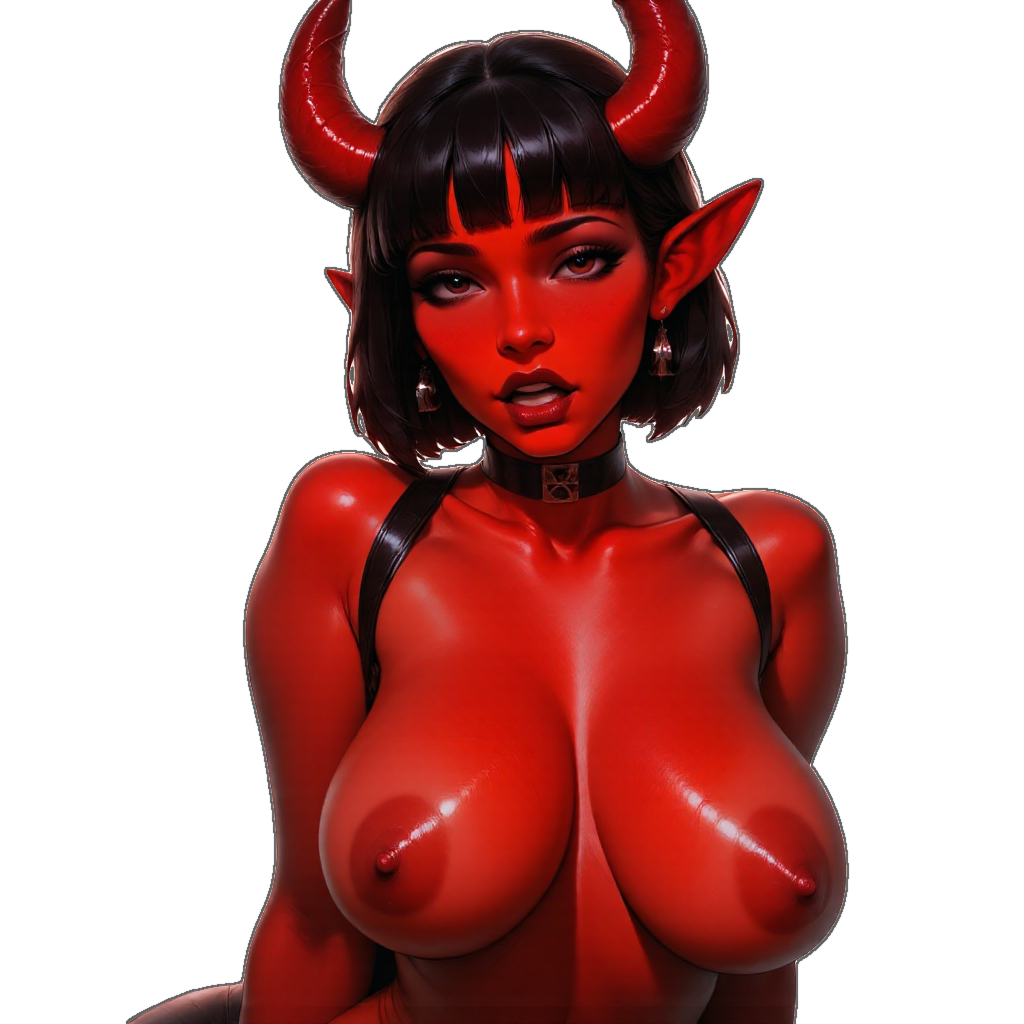 PromptsTagsModelsMotionStyles
Specialized models and creation tools built around fictional adult AI characters.
A dedicated anime-style model for illustrated fantasy, sharper character lines, and outputs that feel intentionally drawn.
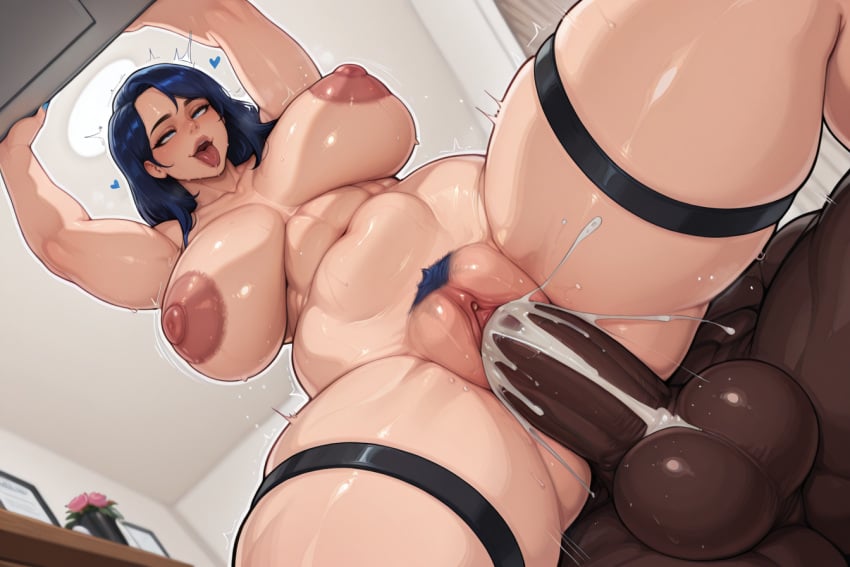
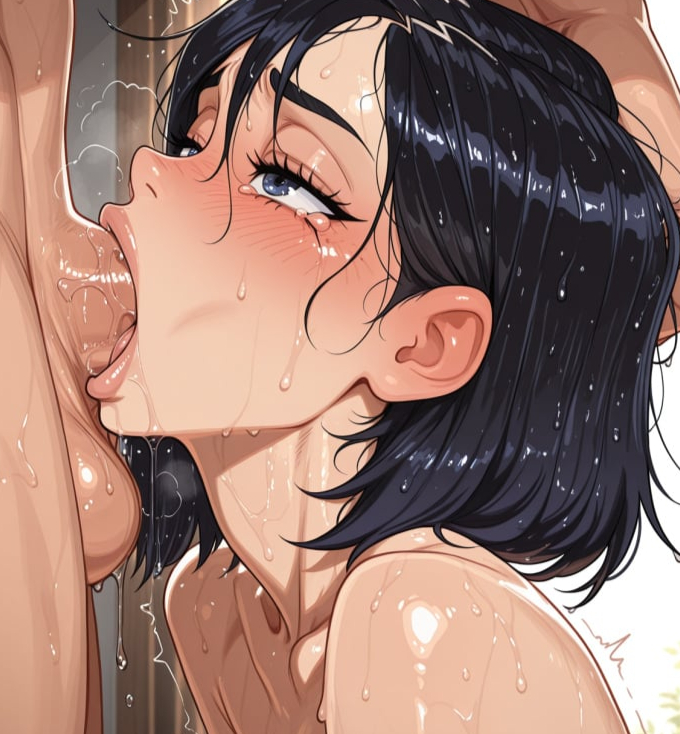
Regenerate only part of an image for cleaner edits, outfit changes, and small fixes without starting over.
Build fictional character profiles and reuse their appearance notes so new generations stay closer to the same look.
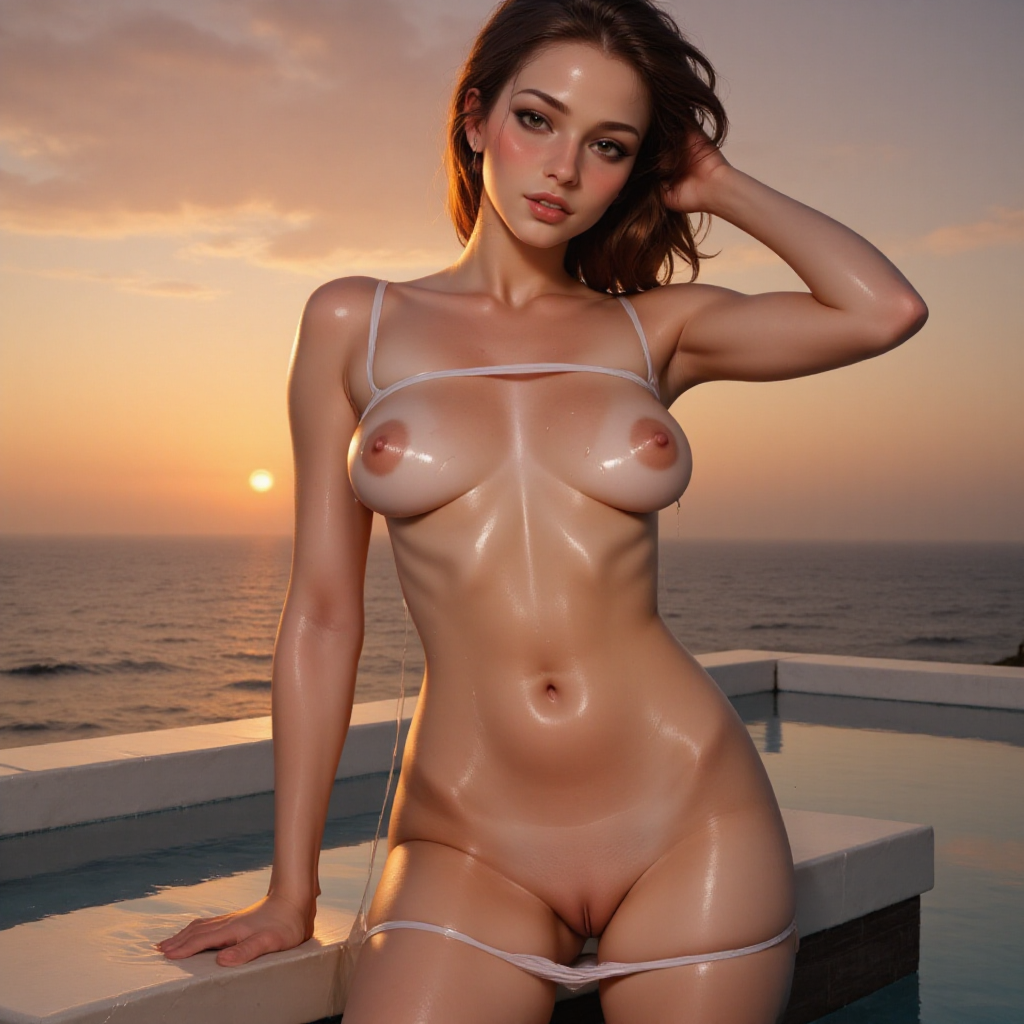
Describe the scene in plain text. Add the look, mood, outfit, pose, lighting, and any specific details you want the AI to follow.
Use quick tags to shape the result faster, like blonde, brunette, curvy, petite, realistic, soft lighting, bedroom, or selfie framing.
Click generate and the app combines your prompt and tags into a custom result. Tweak the details and generate again until it matches what you want.