NSFW image generation
NSFW AI Image Generator
The NSFW image generator is designed for adults who want prompt-driven fictional images with enough controls to steer the final result.
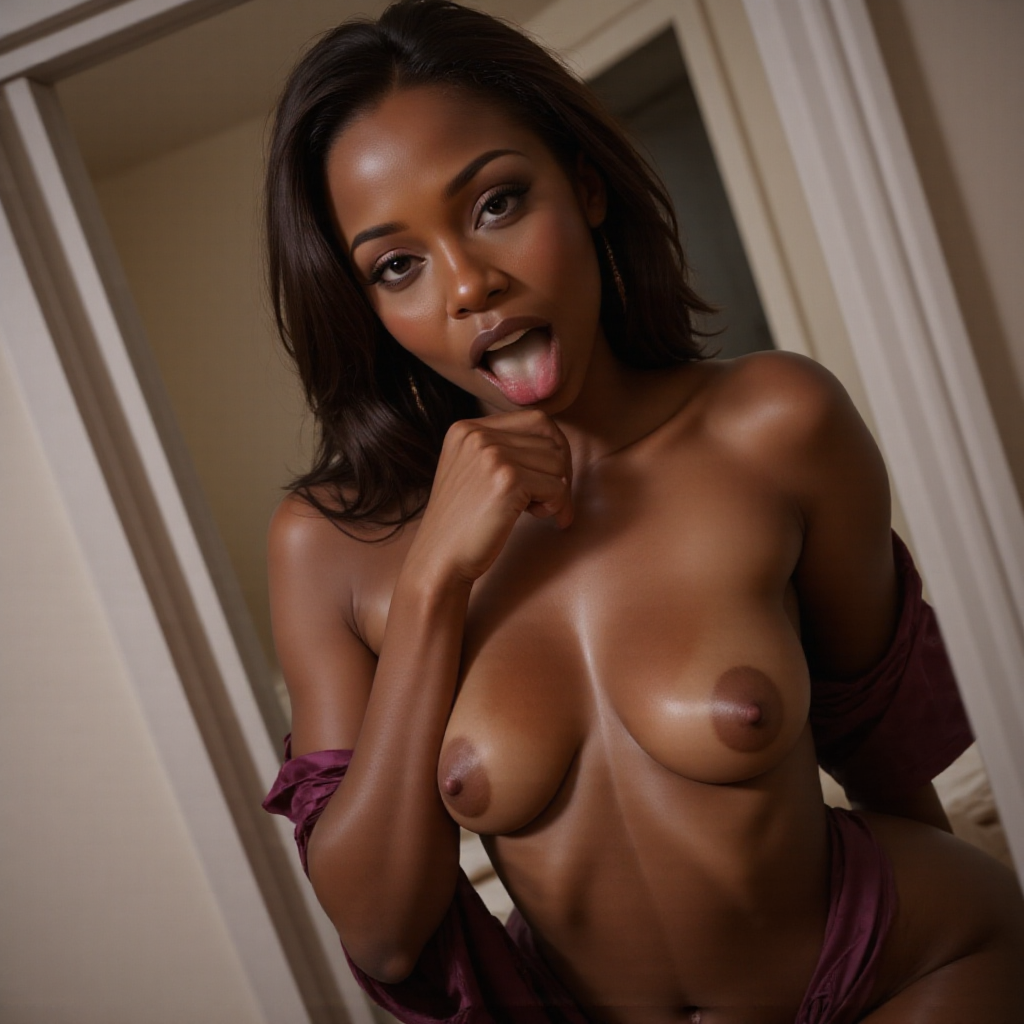
NSFW AI Image Generator on xNudes
Generate fictional NSFW AI images with prompt controls, tags, aspect ratios, and multiple visual styles. The NSFW image generator is designed for adults who want prompt-driven fictional images with enough controls to steer the final result.
This page explains the adult AI generation workflow for this topic, including the prompt controls, visual tags, model choices, and moderation boundaries used on xNudes. The live tools are built for synthetic fictional characters, not real-person edits or illegal content.
What You Can Create
Each route describes one focused part of the xNudes create workflow. The pages are informational, but the actual generation controls live in Create and Video.
Structured controls
Use tags for body type, style, character details, pose groups, scene setting, and aspect ratio so the model has a clearer target.
Synthetic only
xNudes is for lawful, fictional adult content only. Do not request minors, minor-looking characters, real-person likenesses, private individuals, celebrities, non-consensual scenes, exploitation, or illegal content.
Main Controls
- Prompt and tag-based generation
- Portrait, square, wide, phone, and panorama aspect ratios
- Realistic and stylized model choices
- Reusable image setups
Adult Safety
xNudes is for clearly adult, fictional AI content only. Prompts that involve minors, minor-looking characters, real people, celebrities, private individuals, non-consensual scenarios, coercion, exploitation, violence, or illegal content are not allowed.
AI Generators
Browse the main xNudes generator pages for image generation, video generation, realistic output, nude AI images, and prompt-based adult creator workflows.
Popular Tags
Explore popular fictional adult prompt categories that can be created with xNudes tags, model choices, aspect ratios, and image-generation controls.
FAQ
Can I control the aspect ratio?
Yes. The create flow includes phone, portrait, square, wide, classic, story, tall, and panorama ratios.
Can I combine prompts and tags?
Yes. Prompts and tags are combined into one generation direction.